(224) 340-9349info@zelmonllc.com

Projects

Three example scenarios that show how we scope and deliver work.

These scenarios describe our approach. They are examples, not specific past clients.

Network refresh for a small office

Network infrastructure
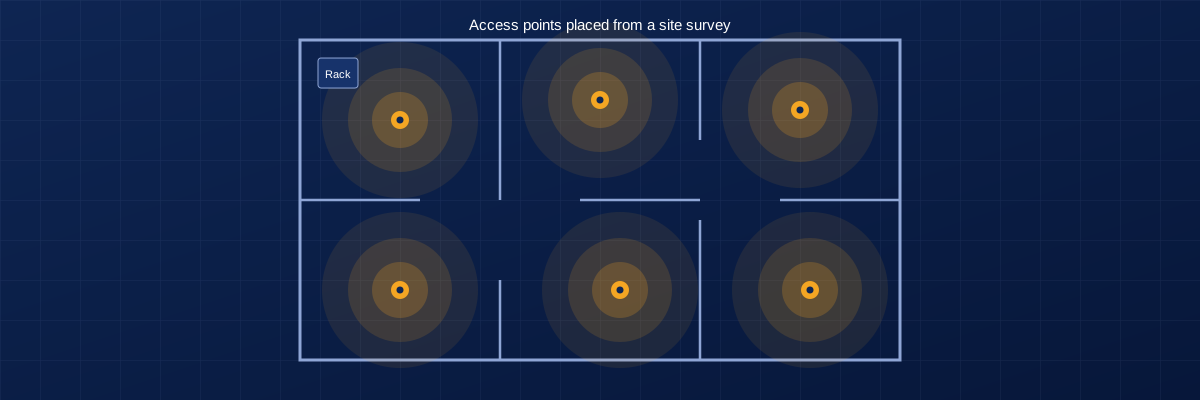
Floor plan with access points and coverage areas

Site

A small office with an aging router, unmanaged switches and patchy Wi-Fi.

Challenge

Staff lose connection in parts of the building, nobody knows how the network is laid out, and there is no way to see or manage devices.

What we do

  • Survey the space and map existing cabling
  • Replace the router and switches with a cloud-managed Cisco Meraki setup
  • Place access points based on where people actually work
  • Label every cable and port

What the client gets

  • Consistent Wi-Fi coverage across the office
  • A network diagram and an equipment list
  • Remote visibility into devices and connections
  • Admin access set up for the owner

Camera system for a retail or office site

Security cameras and storage

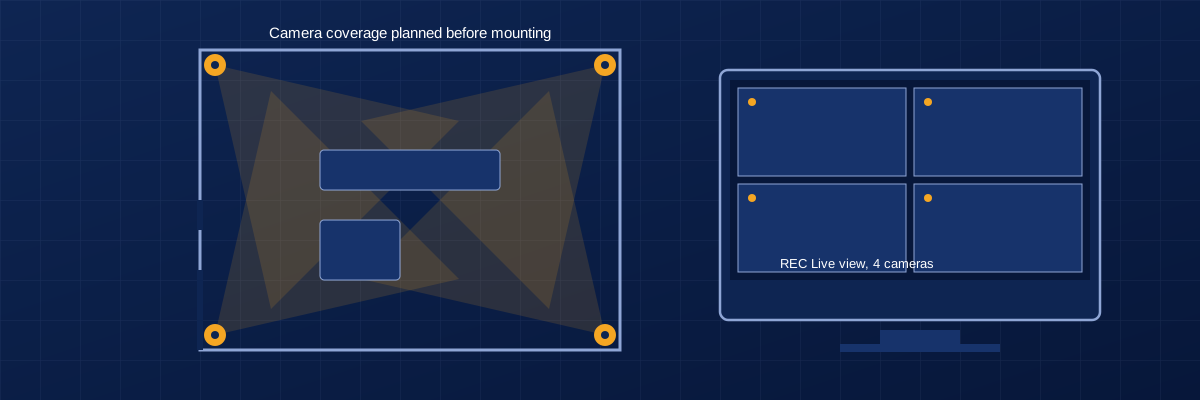
Room plan with camera coverage next to a live view monitor

Site

A single location that needs indoor and entrance coverage with remote viewing.

Challenge

Existing cameras are unreliable, footage is hard to retrieve, and recordings are stored on one device with no backup.

What we do

  • Plan camera positions and cable routes before drilling
  • Install IP cameras and a network video recorder
  • Configure remote viewing on phones
  • Set up network-attached storage with scheduled backups

What the client gets

  • Clear coverage of entrances and key areas
  • Footage stored locally and backed up
  • Remote access for the owner or manager
  • A short walkthrough on finding and exporting footage

Connecting two buildings without trenching

Wireless bridge

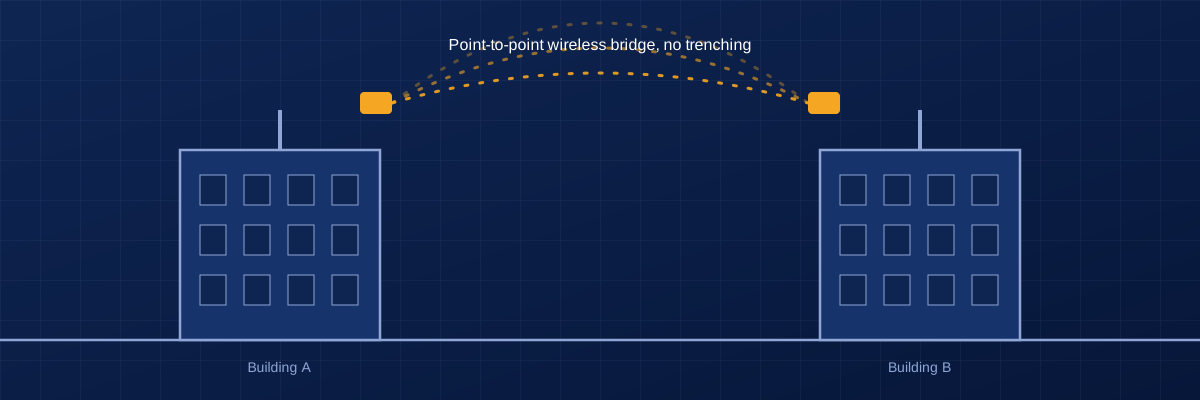
Two buildings joined by a wireless bridge

Site

Two nearby buildings that need to share one network and internet connection.

Challenge

Running a cable between buildings would mean trenching or conduit, which is slow and costly.

What we do

  • Check line of sight and signal conditions
  • Install and align TP-Link wireless bridge units
  • Test throughput and stability under load
  • Document the link settings and mounting points

What the client gets

  • One shared network across both buildings
  • Tested link performance recorded in writing
  • Mounting and alignment notes for future maintenance

Tell us about your site.

Send the location, what needs to be installed or fixed, and your timeline. We reply with questions or next steps, usually before any visit is needed.